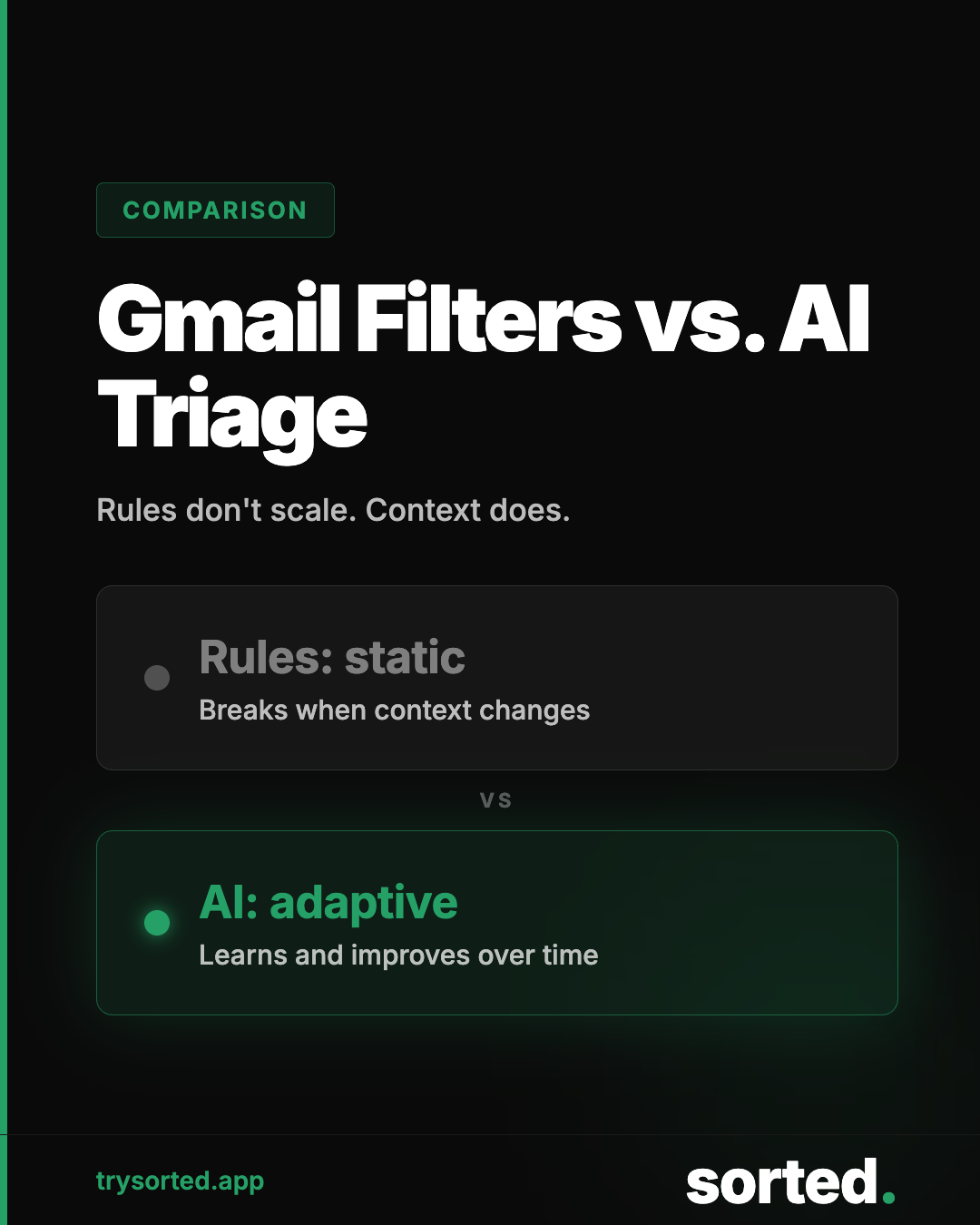
If you have ever tried to tame your inbox with Gmail filters, you know how this goes. You spend an hour building rules. They work for a week. Then the newsletter changes its sender address, the e-commerce brand starts a new promotion format, and the filters miss everything new.
Rules-based filtering is a reasonable idea applied to the wrong problem. Here is why, and what actually works instead.
How Gmail Filters Work
Gmail's filter system lets you create rules based on specific, observable properties of an email: the sender address, subject line keywords, whether the message was addressed directly to you, or whether it contains certain text strings.
When a message arrives, Gmail checks it against your rules in sequence. If it matches, the designated action happens automatically: label it, archive it, mark it read, delete it, or forward it somewhere.
For predictable, stable inputs, this works well. If your bank always sends from alerts@yourbank.com with the subject "Account Alert," a filter will catch that reliably, every time.
But most of your inbox is not like that.
Where Rules-Based Filtering Breaks
"Gmail filters are a snapshot of your inbox from the day you set them up. Your inbox keeps evolving. The filters don't."— Sorted — Gmail Filters vs. AI Email Triage
Senders change
Email marketing platforms rotate sending domains. Newsletters migrate to new providers. Transactional systems update their notification infrastructure. A filter built on a specific sender address becomes useless the moment that address changes, and it will not tell you it stopped working.
Subject lines are unpredictable
You can filter for keywords, but promotional content uses an enormous variety of subject lines specifically designed to feel personal and urgent. "Last chance," "We miss you," "Just for you" and thousands of variations defeat keyword-based filters because there is no finite list of noise patterns.
Rules do not understand context
A filter cannot tell the difference between a promotional email from a company you bought from once five years ago and an important order confirmation from that same company. Both arrive from the same domain. Both might contain the word "order." A rule that catches one catches both, or neither.
Scale creates gaps
Most people have fewer than 20 Gmail filters. Most people receive over 100 emails per day. A small set of brittle rules covering predictable senders does not scale to the actual diversity of inbox content.
- ✗ Manual setup required
- ✗ Breaks when senders change
- ✗ No content understanding
- ✗ Can't adapt over time
- ✗ Falls apart at scale
- ✓ Zero setup needed
- ✓ Adapts automatically
- ✓ Reads content semantically
- ✓ Learns your priorities
- ✓ Improves with every email
What AI Classification Does Differently
AI email classification works at the content level rather than the metadata level. Instead of checking whether the sender address matches a pattern, a classification model reads the message and assigns it to a category based on what the message actually is and what it contains.
This is a fundamentally different approach with different strengths.
Content-aware categorization
A trained classifier can identify that a message is promotional based on its structure, language patterns, call-to-action presence, and formatting, regardless of who sent it or what the subject line says. A new newsletter from a sender it has never seen before can still be correctly categorized.
Handles variation automatically
AI models generalize from patterns across many messages rather than matching specific strings. When a sender changes their format or domain, a content-based classifier continues to work because the underlying message type has not changed.
No manual maintenance
Rules require ongoing upkeep. Every new noise source requires a new rule. AI classification applies learned patterns continuously without you having to update anything. The system handles new senders, new formats, and new categories without intervention.
Confidence scoring
Rather than a binary match-or-miss, classification models assign confidence scores. A message that is 97% likely to be promotional is handled differently from one that is 61% likely. This allows for more nuanced handling of borderline cases rather than blunt rule application.
The Accuracy Question
A common concern with AI classification is false positives: important messages being misfiled as noise. This is a legitimate concern with early-generation systems, but modern email classification models trained on large datasets consistently achieve accuracy rates above 95% in academic benchmarks.[1]
The more relevant comparison is false positive rate relative to manual processing. When you are reading and sorting 121 emails per day, you are making classification decisions hundreds of times. Research on cognitive load consistently shows that decision quality degrades with volume.[2] A well-tuned classifier applied consistently outperforms human sorting at scale, not because AI is smarter, but because it does not get tired.
When to Use Each Approach
Rules-based filters remain useful for a narrow set of high-confidence, stable patterns. If you want every email from your company's payroll system to be labeled and archived without appearing in your inbox, a rule is the right tool. The sender is known, the format is stable, and the action is always the same.
AI triage is the right tool for the messy, variable majority of your inbox. Newsletters, promotions, social notifications, low-priority automated messages, and anything else that does not fit a stable, predictable pattern is where AI classification pays off.
The most effective approach combines both: stable rules for the predictable minority, AI for everything else.
Frequently Asked Questions
Can Gmail filters completely replace AI email management?
For most inboxes, no. Gmail filters work well for predictable, stable patterns but break down when senders change addresses, subject lines vary, or new noise sources emerge. AI classification handles the unpredictable majority of inbox content that rules-based systems cannot.
Will AI email triage accidentally delete important messages?
Well-designed AI email triage systems archive rather than delete. Archived messages remain searchable and fully recoverable. The classification model flags messages as low-priority, not as trash, which means nothing is permanently lost.
How accurate is AI email classification?
Modern email classification systems trained on large datasets achieve accuracy rates above 95% in controlled evaluations. Real-world performance depends on training data quality and ongoing calibration.
Do I need both Gmail filters and AI triage?
They serve different purposes. Gmail filters are ideal for a small set of high-confidence, always-the-same-action rules. AI triage handles the variable majority. Using both together gives you the stability of rules for known senders and the adaptability of AI for everything else.
Sources
- Klimt, B., and Yang, Y. "The Enron Corpus: A New Dataset for Email Classification Research." ECML 2004. Published by Springer. This and subsequent work on the Enron and other email corpora established benchmarks for email classification accuracy.
- Baumeister, R.F., Bratslavsky, E., Muraven, M., and Tice, D.M. "Ego depletion: Is the active self a limited resource?" Journal of Personality and Social Psychology, 74(5), 1252-1265. 1998.