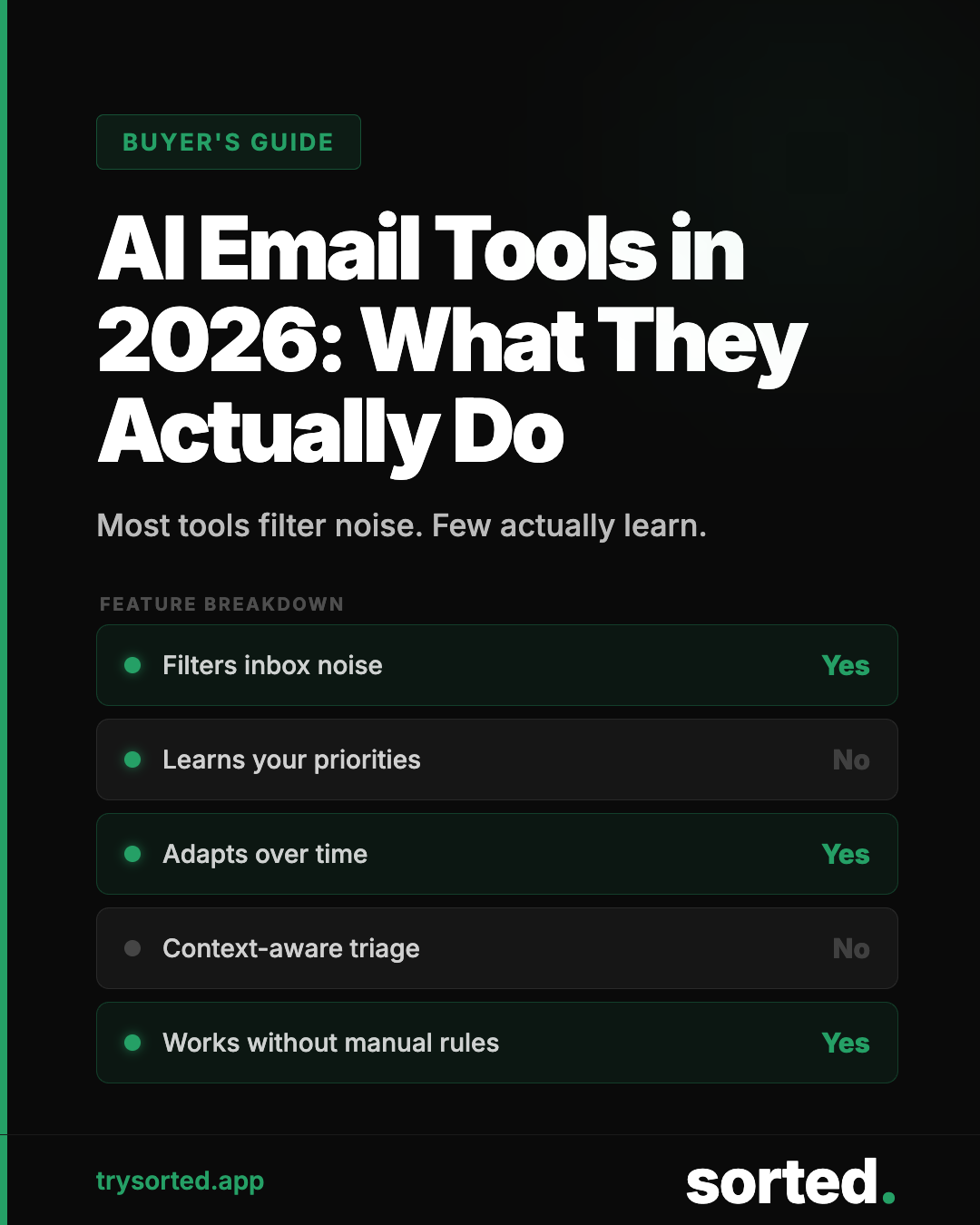
The term "AI email management" covers a wide range of tools with very different approaches, capabilities, and trade-offs. Some are glorified filters. Some genuinely change how your inbox works. Knowing the difference requires understanding what the technology actually does.
This guide covers the core mechanics, what matters in practice, and how to evaluate any tool you are considering.
The Core Problem AI Email Tools Are Solving
The average business professional receives 121 emails per day, according to the Radicati Group's 2023 Email Statistics Report.
The volume is not the problem. The problem is that the signal is buried in the noise. Newsletters, promotions, automated notifications, and reply-all chains that do not require your engagement arrive in the same inbox as time-sensitive client requests and important internal messages. Every message looks roughly the same until you open it.
AI email management tools attempt to solve the classification problem: identify what is signal and what is noise before you have to read anything.
How AI Email Classification Works
Modern email classification uses natural language processing (NLP) models trained on large datasets of labeled email. The model learns patterns that distinguish message types: the linguistic features, structural patterns, sender characteristics, and content markers that differentiate a newsletter from a direct question, or a promotional email from a genuine customer inquiry.
Training data
Classification accuracy depends heavily on training data quality. Models trained on diverse, well-labeled email corpora generalize better to new inputs. The benchmark datasets in this field, including the Enron corpus and various academic email collections, have been used to evaluate classification systems since the early 2000s.[3]
Feature extraction
The model extracts features from each incoming message: word frequency patterns, sentence structure, presence of links or images, sender reputation signals, threading context, and metadata like time of day and whether the message was addressed directly to the recipient.
Classification
Features are passed through a classification layer that assigns the message to a category with a confidence score. High-confidence classifications are handled automatically. Lower-confidence cases can be flagged for review depending on the system's configuration.
Continuous improvement
Better systems incorporate feedback loops. When a user retrieves a message from the archive or marks a classification as incorrect, that signal informs subsequent behavior. Systems that learn from user corrections improve over time for that specific inbox.
Categories of AI Email Tools
Not everything marketed as "AI email management" uses the same approach. The category includes several meaningfully different tool types.
Rules engines with AI marketing
Some tools use conventional rules-based logic with machine learning applied only to a narrow subset of decisions, typically spam filtering. These are not fundamentally different from standard email client filtering, regardless of how they are marketed.
Indicators: the tool asks you to manually configure categories, set keyword lists, or specify sender addresses. If the setup process resembles building Gmail filters, the underlying mechanism probably is.
Folder-based AI organization
Tools like SaneBox analyze email patterns to learn which senders and message types you engage with, and route low-priority messages to a separate folder for batch review. The AI is primarily behavioral: it learns from your interaction patterns rather than reading message content.
These tools reduce noise in your primary inbox but require ongoing attention to the secondary folder. The fundamental email processing burden shifts rather than reduces.
Content-based AI classification with digest delivery
The more sophisticated approach reads message content to classify incoming email, archives low-priority messages automatically, and delivers a structured summary of what arrived and what was handled. This approach reduces both inbox volume and the time cost of triage.
The key distinction: instead of you reading 121 messages to find the 10 that matter, the system reads all 121 and presents you with the 10.
What Actually Matters When Evaluating a Tool
Classification accuracy
This is the most important metric, but it is rarely published transparently. Ask specifically: what is the false positive rate? A false positive in email classification means an important message was archived as noise. At 99% accuracy on 121 daily emails, you are still seeing one misfiled message per day on average.
The practical question is what happens when misclassification occurs. Are archived messages searchable? Can you retrieve them easily? Is there a review queue for borderline cases?
Retrieval mechanism
The archive should not be a black hole. Any message classified as noise should be easily searchable and retrievable. If recovering a misfiled message requires significant effort, the cost of each false positive increases substantially.
Digest quality
If a tool provides a daily digest of what arrived and what was handled, that digest needs to be useful. A list of subject lines is not a digest. A structured summary that tells you what category of activity arrived, what required no action, and what is waiting for your attention is a digest.
Privacy model
Any tool that reads email content has access to sensitive information. The relevant questions are: where is processing happening, what data is retained, who has access to message content, and what happens to your data if you stop using the service.
Legitimate providers answer these questions directly in their privacy documentation. Avoid tools that are vague about their data handling.
Integration depth
Email management tools connect to your inbox at varying levels. Some operate as a layer on top of your existing client. Others request full access to read, archive, label, and organize. The scope of access should match the scope of functionality. A tool that requests full inbox access to apply basic labels is asking for more than it needs.
The Honest Trade-offs
AI email management is not a complete solution to the email problem. It addresses the classification and volume challenges effectively. It does not address email culture, response expectations, or the institutional practices that generate high email volume in the first place.
If your organization sends and expects responses to large volumes of internal email, a classification tool will help you process that volume faster. It will not change the volume. That requires different interventions: communication norms, asynchronous tools, explicit response time expectations.
Used in the right context, AI email triage is genuinely useful. The 28% of your workweek currently consumed by email will not drop to zero. But the portion of that time spent on noise, sorting, and low-priority processing can be substantially reduced.
"The 28% of your workweek consumed by email won't drop to zero. But the portion spent on noise and sorting? That's where AI earns its keep."— Sorted — AI Email Management Tools Guide, 2026
Frequently Asked Questions
What is the difference between AI email management and spam filtering?
Spam filtering identifies and blocks malicious or clearly unwanted messages. AI email management addresses the much larger category of legitimate but low-priority messages: newsletters you subscribed to, promotional email, automated notifications, and other inbox noise that passes spam filters but still consumes your attention.
How do AI email tools access my inbox?
Most tools use OAuth, the same protocol Gmail and Outlook use for third-party app authorization. This allows the tool to read and modify your email without requiring your password. The authorization can be revoked at any time from your Google or Microsoft account settings.
Will AI email management work for business email?
Yes. AI email classification applies equally well to professional inboxes. The noise profile is different from personal email (fewer promotional messages, more automated notifications and low-priority internal communications), but the classification approach is the same.
Can I trust AI to handle my email if I receive sensitive messages?
This depends entirely on the tool's privacy model. Tools that process email content on your device or on servers subject to strong privacy controls are meaningfully different from those that retain message content for training or analytics purposes. Review the privacy documentation of any tool you use with sensitive communications.
Sources
- Radicati Group. "Email Statistics Report, 2023-2027." 2023. radicati.com
- McKinsey Global Institute. "The social economy: Unlocking value and productivity through social technologies." 2012. mckinsey.com
- Klimt, B., and Yang, Y. "The Enron Corpus: A New Dataset for Email Classification Research." ECML 2004. Springer.