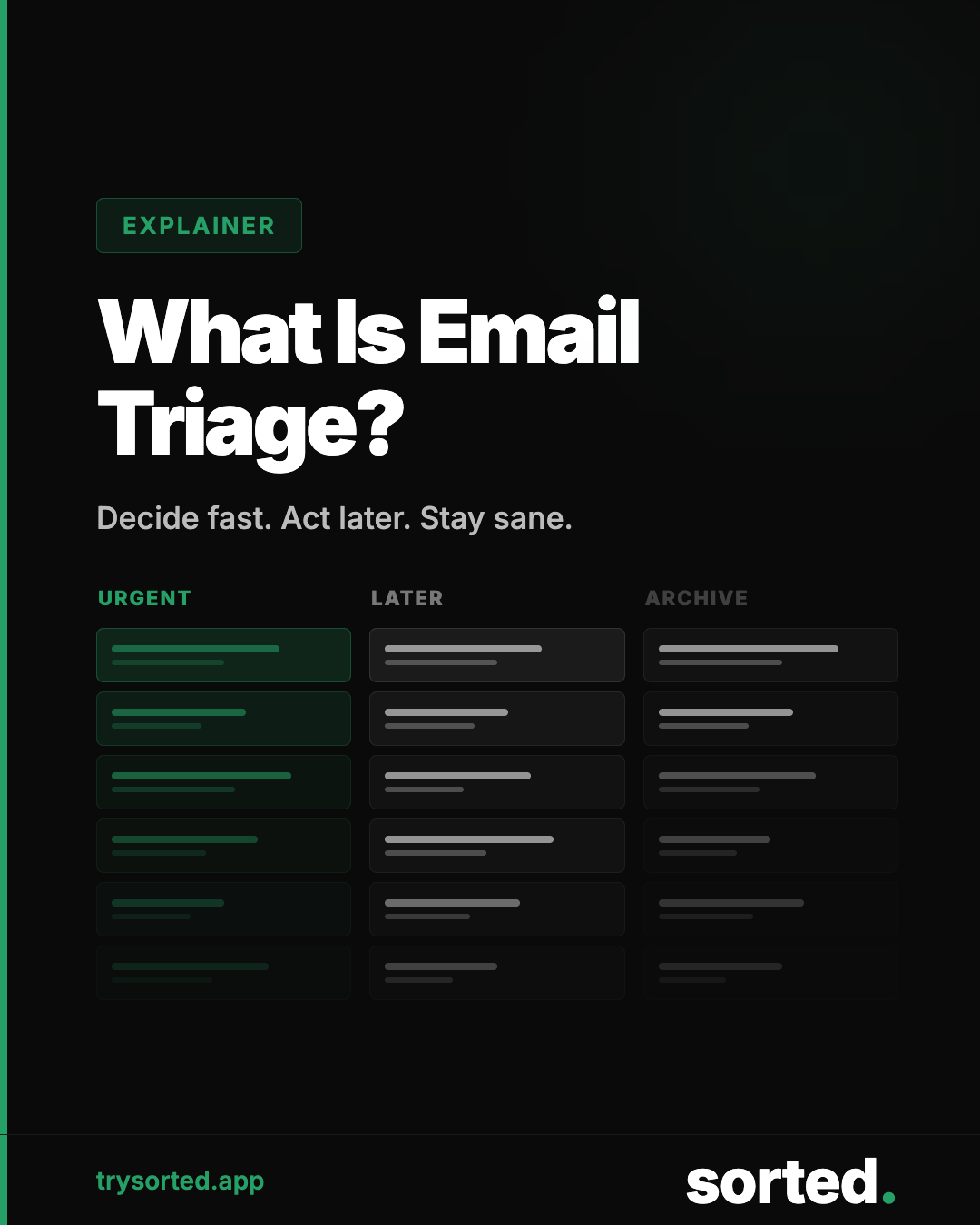
Email triage is the practice of rapidly categorizing incoming messages by urgency and importance before deciding how to handle any of them. The goal is to separate what requires immediate attention from what can wait, and to eliminate what does not need your attention at all.
Done well, triage converts a chaotic inbox into a managed queue. It is not a productivity hack. It is a fundamental shift in how you relate to incoming communication.
Where the Term Comes From
Triage is a medical term. It originates from the French verb trier, meaning to sort or select. The system was developed in military medicine to categorize wounded soldiers into three groups: those who would survive without immediate treatment, those who required immediate intervention to survive, and those for whom treatment would not change the outcome.
The logic transfers directly to email. In any inbox, some messages require immediate action, some can wait, and some do not require your engagement at all. The mistake most people make is treating all three categories the same: reading each message as it arrives, in order.
The Three Categories of Email Triage
A functional triage system sorts every incoming message into one of three buckets before any reading or responding begins.
Immediate action required
Messages that are time-sensitive, require a response only you can provide, or carry meaningful consequences if delayed. Examples: a direct request from a client, a time-sensitive decision, an urgent issue from a colleague.
This category, for most professionals, contains fewer messages than they assume. Most email is not urgent. The inbox creates a sense of urgency that often does not match the actual content.
Respond when available
Messages that matter and require a response, but not right now. Meeting invitations, questions that need a thoughtful answer, follow-ups that deserve a real reply. These go into a batch for your next designated email session.
Noise
Everything that does not need your response or even careful reading. Newsletters you subscribed to but rarely read, promotional emails, automated notifications, reply-all chains that do not involve you, updates you can check on demand rather than having delivered to your inbox.
For most professionals, noise represents 60 to 75 percent of total inbox volume. Correctly identifying and removing noise from your processing queue is where most of the time savings in email triage come from.
"For most professionals, noise is 60–75% of their inbox. Triage is how you stop paying attention to it."— Sorted — What Is Email Triage?
Why Triage Works: The Psychology
The core insight behind email triage is that your inbox is a queue, not a to-do list. A queue is a data structure where items are processed in order. A to-do list is a prioritized set of tasks where the most important item should be addressed first, regardless of when it arrived.
Most people process email like a queue: open the most recent message, read it, respond or defer, move to the next one. Triage converts email into a to-do list: sort everything first, then address items in order of actual importance.
This matters because of how attention works. Dr. Gloria Mark's research at UC Irvine established that each task interruption costs an average of 23 minutes and 15 seconds of recovery time.
Batching your triage into designated sessions addresses this directly. Research from the University of British Columbia found that limiting email checks to three times per day significantly reduced participant stress levels, even though the volume of email they received was identical.[2]
Manual Triage vs. Automated Triage
Manual triage requires you to sort each incoming message yourself. You open each email, make a quick judgment, and route it accordingly. This works at low volumes but becomes its own time cost as inbox volume grows. Sorting 121 messages takes time, even if individual decisions are fast.
Automated triage uses software to pre-sort messages before you see them. Rule-based systems do this for simple, predictable patterns. AI-based systems extend this to the unpredictable majority of inbox content by classifying messages based on their content rather than sender metadata alone.
The most effective systems combine both: you set the priorities and categories that matter to you, and the software handles the sorting before your first email session of the day.
How to Implement Email Triage Manually
If you want to start without software, the process is straightforward:
Step 1: Set designated email windows. Most productivity researchers recommend two to three sessions per day. Morning, midday, and end of day covers most professional contexts without the cost of constant availability.
Step 2: Sort before you respond. When you open your email client, do not start reading and responding in order. Scroll through the entire inbox first. Mark urgent items. Archive obvious noise. Only then start working through what remains.
Step 3: Define your noise. Identify the categories of email that consistently require no action: newsletters, promotional content, notification emails, CC chains. Create a mental or actual list. These get archived immediately, unread, on every pass.
Step 4: Review your process. After two weeks, check whether your noise definitions are accurate. Are you missing anything important? Are you reading things that consistently add no value? Adjust accordingly.
Frequently Asked Questions
What is the difference between email triage and inbox zero?
Inbox zero is a destination: a completely empty inbox. Email triage is a process: a method for sorting and prioritizing messages. Inbox zero can be achieved through email triage, but triage is about the system, not the number.
How often should you triage your email?
Research supports two to three designated sessions per day for most knowledge workers. University of British Columbia research found that three sessions per day reduced stress without meaningful loss of responsiveness.
Can AI do email triage automatically?
Yes. AI classification models can sort incoming email by content category before you open your inbox. This handles the sorting step of triage automatically, so your email sessions focus on reading and responding to what matters rather than filtering through noise.
Is email triage appropriate for all job types?
Triage is most valuable for knowledge workers who receive high email volume but are not in client-facing or support roles that require immediate response. For roles where email is a primary customer communication channel, response time expectations may require a modified approach to batching.
Sources
- Mark, G., Gudith, D., and Klocke, U. "The cost of interrupted work: More speed and stress." Proceedings of CHI 2008, UC Irvine. ics.uci.edu
- Kushlev, K., and Dunn, E.W. "Checking email less frequently reduces stress." Computers in Human Behavior, 43, 220-228. 2015. doi.org